
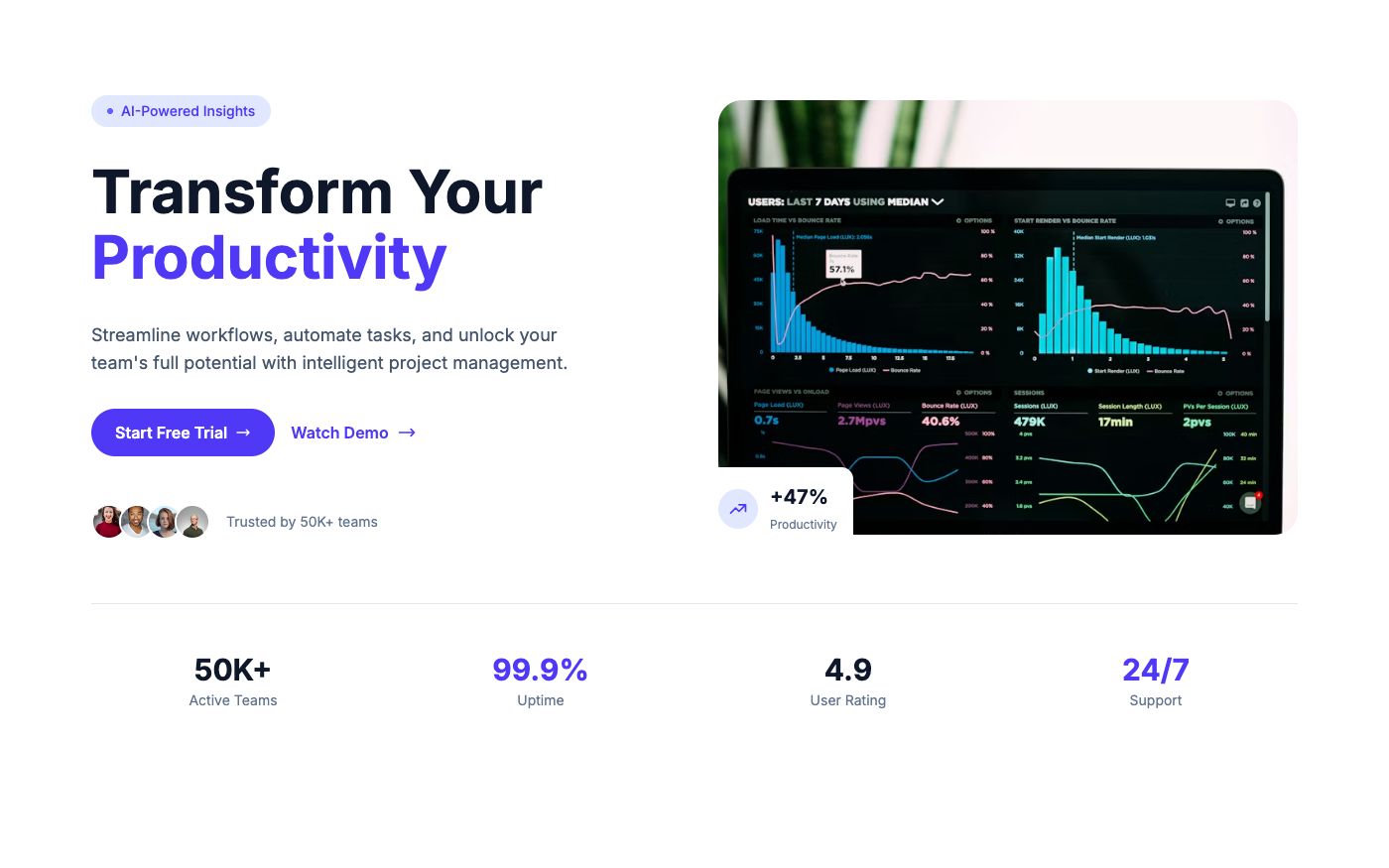
Every SaaS product needs a landing page. Here's how to build one with Tailwind CSS in under 30 minutes — using pre-built blocks so you're assembling, not coding from scratch.
The 7-Section Formula
After analyzing hundreds of successful SaaS landing pages, the pattern is clear. Every high-converting page uses these seven sections in roughly this order:
- Header — Logo, navigation, CTA button
- Hero — Value proposition, headline, primary CTA
- Social proof — Client logos or trust badges
- Features — What your product does (3-6 key features)
- Testimonials — Customer quotes with names and photos
- Pricing — Plans with clear differentiation
- Footer — Links, legal, contact info
Optional additions: FAQ section (handles objections), stats section (builds credibility), and a final CTA section (catches scrollers).
Step 1: Pick Your Hero
The hero is your first impression. For SaaS, a split layout with a product screenshot works best — it shows the product in action immediately.
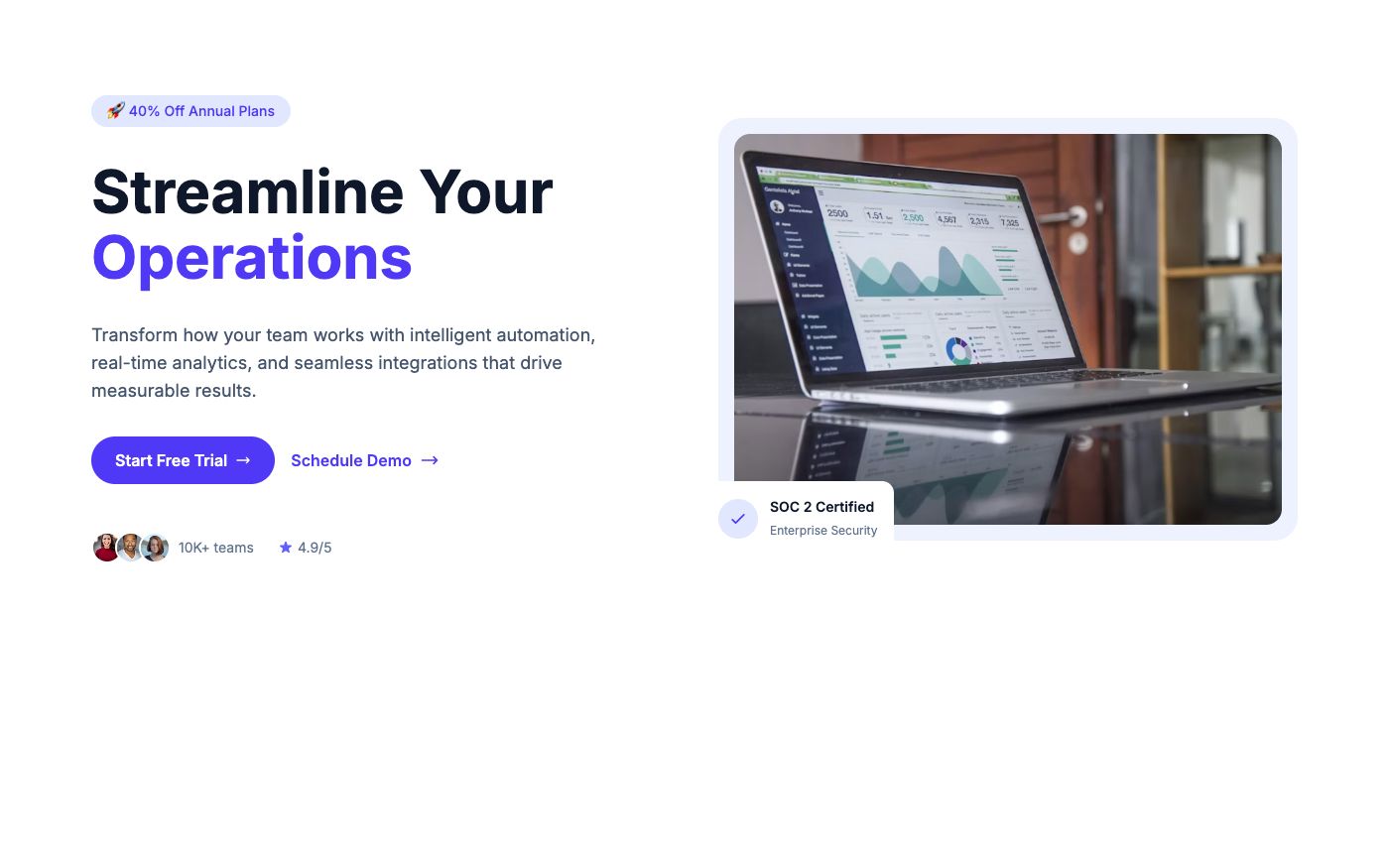
Key elements: headline (benefit-focused, under 10 words), supporting text (1-2 sentences), primary CTA ("Start Free Trial"), and a product visual.
Step 2: Add Social Proof
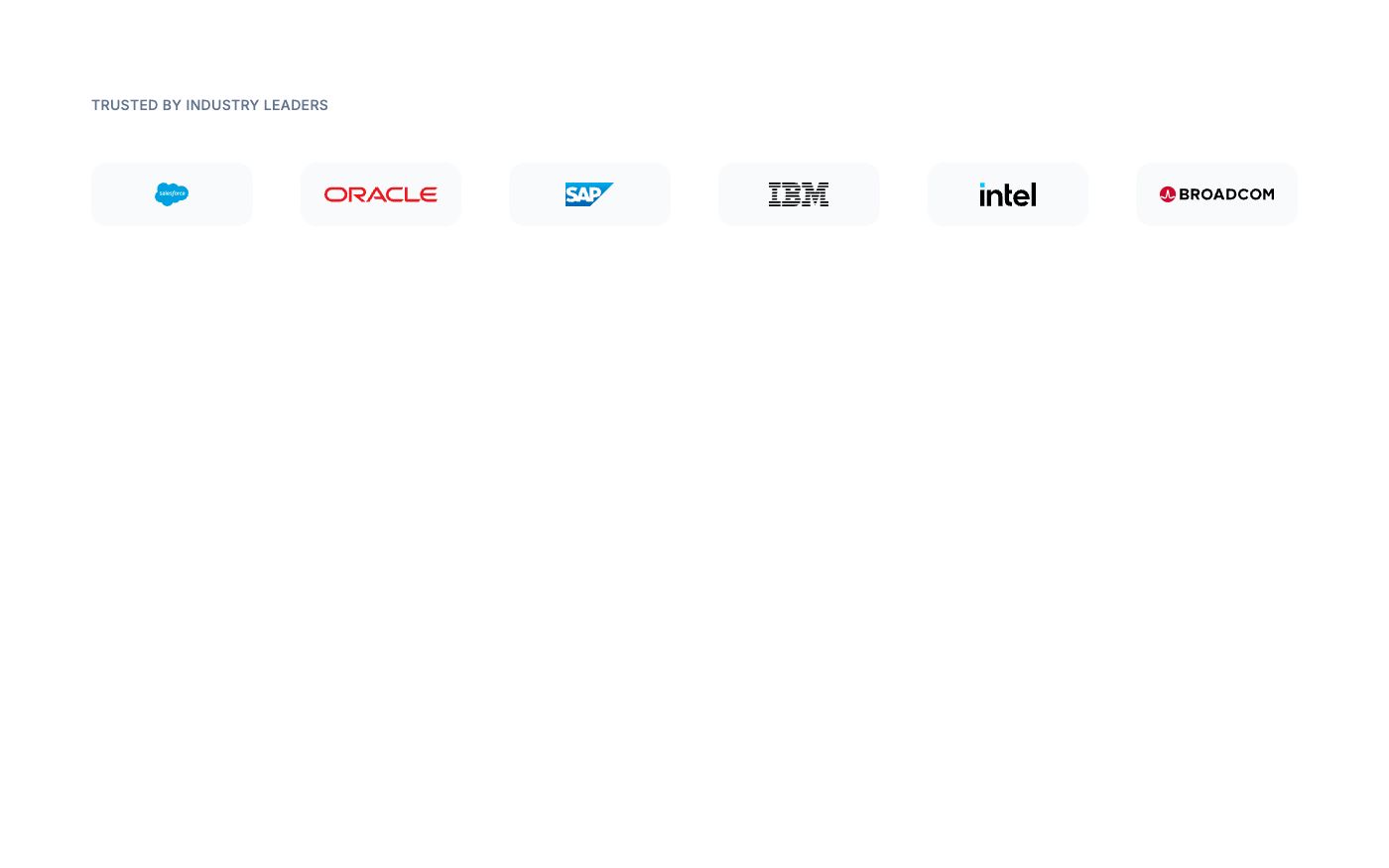
Client logos immediately after the hero build trust. Even "Trusted by 500+ teams" with a few recognizable logos works.
Step 3: Showcase Features
Don't list features — show benefits. Use icons, short descriptions, and visual hierarchy to make scanning easy.

Step 4: Add Testimonials
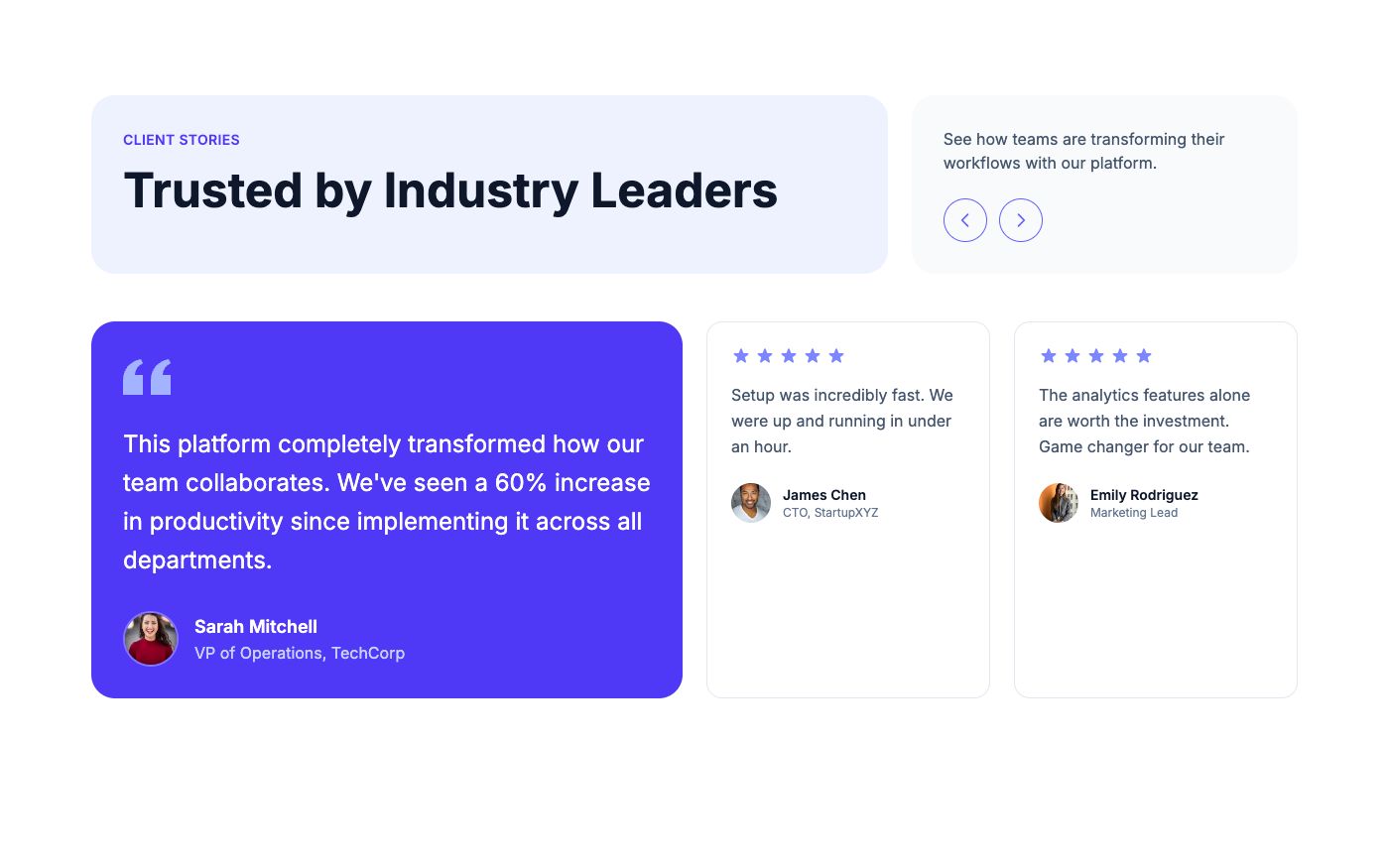
Real quotes from real customers. Include names, titles, and photos. Carousel or grid layout — both work.
Step 5: Show Pricing
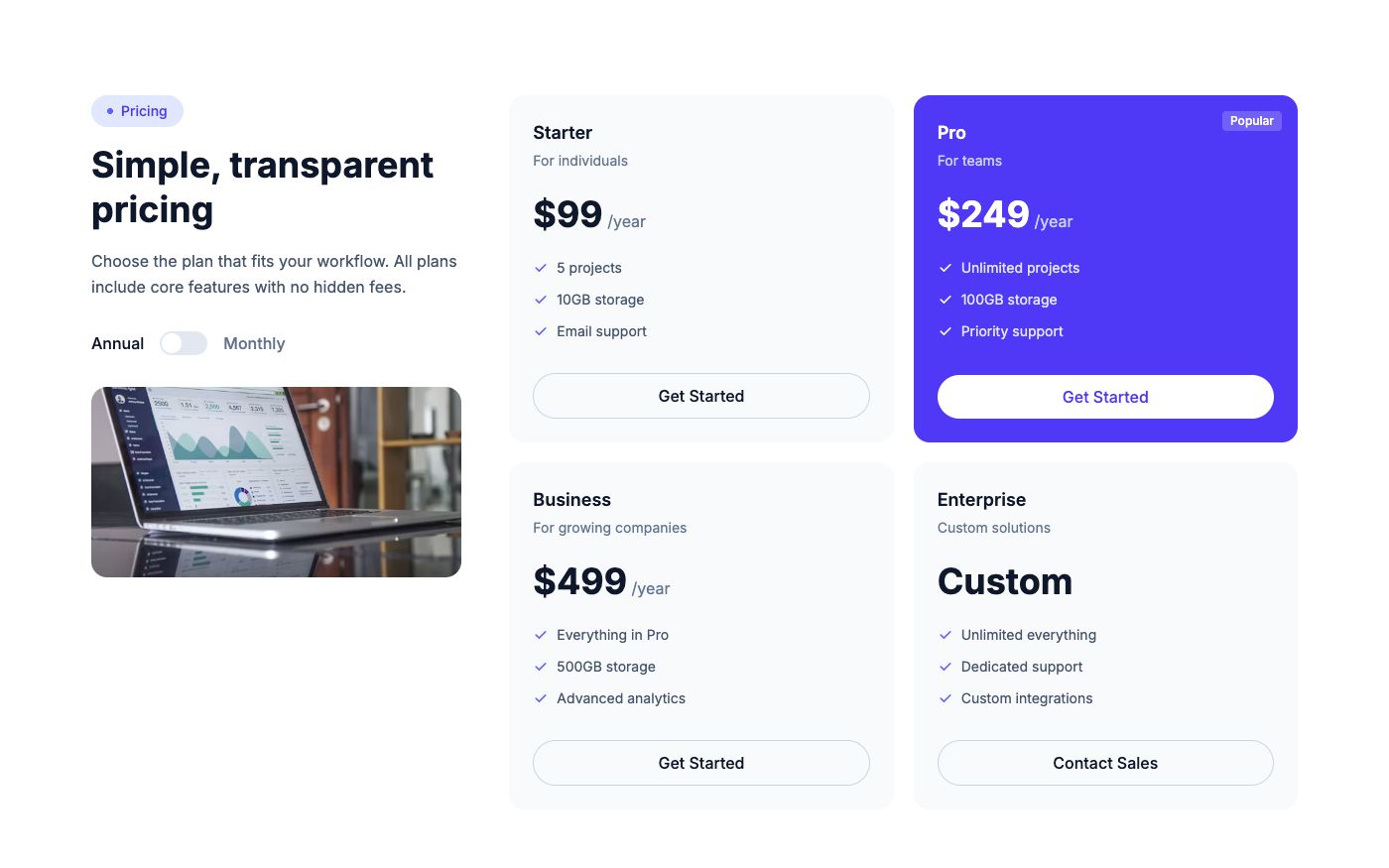
Clear, simple pricing with a highlighted "recommended" plan. Monthly/yearly toggle if you offer both.
Step 6: Handle Objections with FAQ
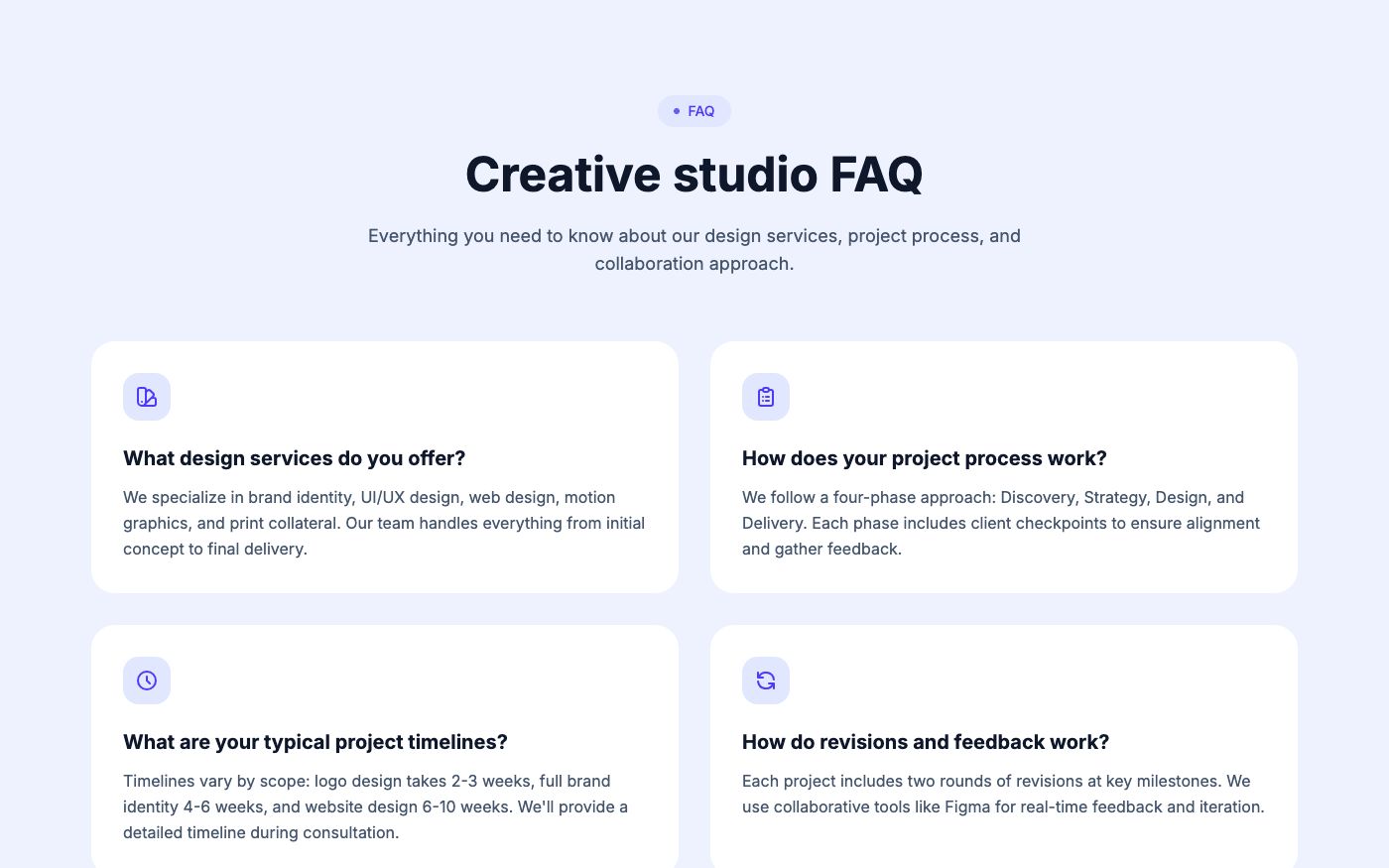
Address the top 5-6 questions that stop people from signing up. Accordion layout keeps it clean.
Step 7: Assemble and Ship
Copy each section's HTML, paste them in order, update the content to match your product, and deploy. The entire process takes 20-30 minutes when you're working with pre-built blocks.
💡 Pro tip: Use a single accent color throughout your landing page for visual consistency. Indigo, violet, and emerald are popular choices for SaaS products.
All the blocks shown above can be previewed on OpenTailwind — browse by category, preview in light/dark mode, and copy the code.