
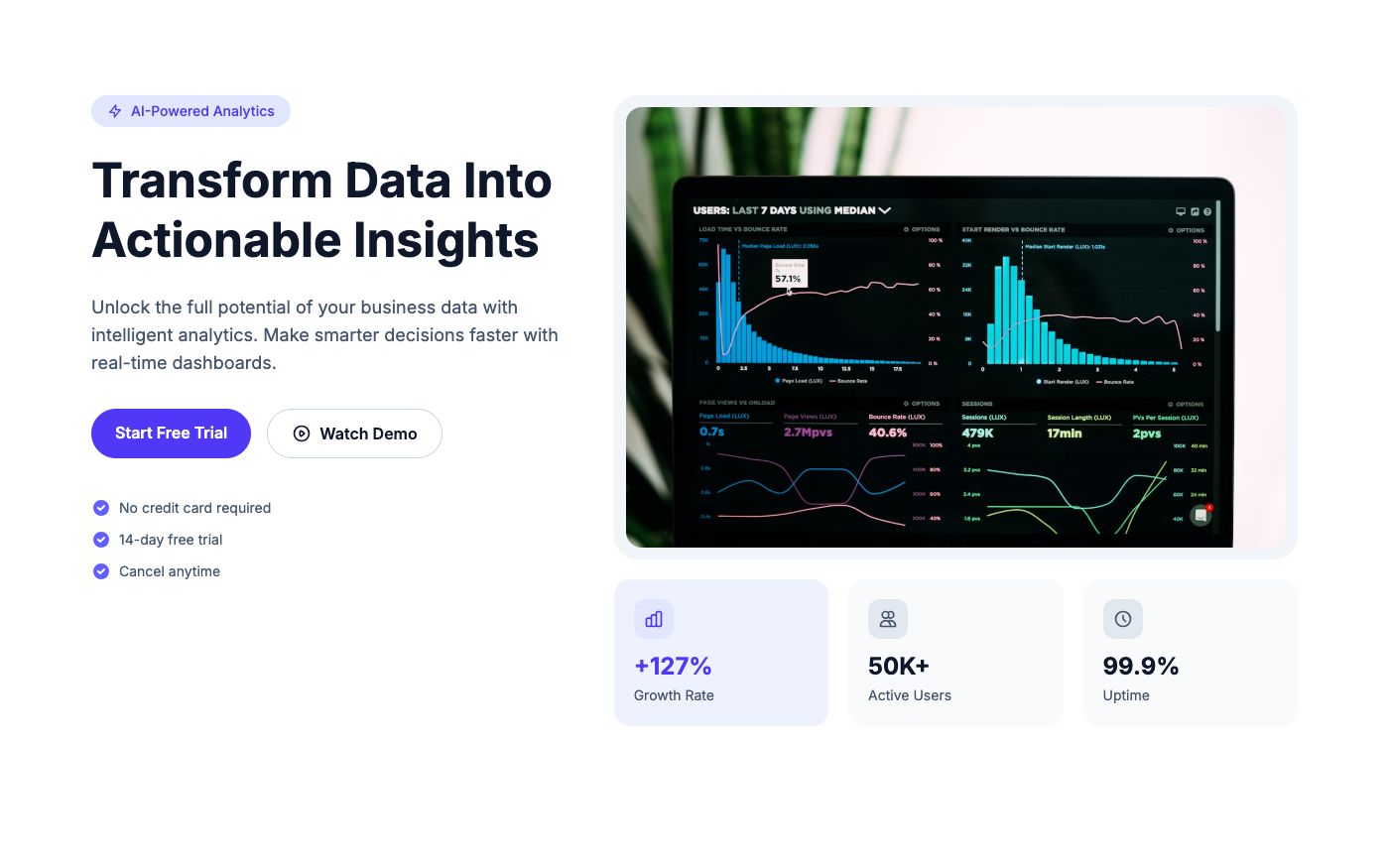
A SaaS landing page should explain the product, show how it works, address the main uncertainty, and offer a clear next step. The seven sections below are a practical planning framework. They are not a statistical study, and you do not need all seven on every page.
Editorial correction: an earlier version described this article as an analysis of 100 pages and included percentages without a published dataset. Those claims have been removed. This version offers design guidance and examples without presenting unsupported research.
1. A hero that explains the task
Name the person or team the product helps and the task it makes easier. Pair the headline with a real product view when that explains more than a decorative photograph. Keep one action visually primary. If a product is unfamiliar, a short demonstration may be more useful than asking immediately for a sales call.
Explore the SaaS efficiency hero as a layout starting point. Replace its demonstration claims with your own product facts.
2. Evidence visitors can evaluate
Show customer logos only with appropriate permission. If you do not have testimonials yet, explain a workflow, show a real output, or publish a documented example. Placeholder customer counts are not a substitute for evidence.
3. Features organized around outcomes
Group capabilities by what a visitor needs to accomplish. Show how information enters the product, what the product changes, and what the user receives. A few concrete examples often explain more than a long row of abstract icons.
The workflow template gives those explanations room without requiring every feature to have equal prominence.
4. A customer story with context
When a real customer shares a result, include the starting situation and scope. Do not imply that every buyer will see the same result. If evidence is unavailable, omit the section or use a clearly labeled demonstration of the product instead.
5. Pricing or a clear buying process
If the product has standard plans, explain the meaningful differences and billing cadence. If pricing depends on scope, tell visitors what information they need to request a quote. Do not conceal a paid requirement until the final step.
Use the pricing-card layout for structure, then connect it to your own verified checkout flow.
6. Answers to actual objections
Write questions from support conversations, sales calls, or the product’s known constraints. Explain integrations, data import, cancellation, and setup where relevant. An FAQ should answer something the main page could not cover cleanly; it should not repeat every feature in question form.
7. A final action with an honest next step
After the supporting explanation, repeat the most appropriate action. Tell visitors whether they are starting a trial, booking a meeting, or joining a waitlist. Match the confirmation message to what the system actually does.
Our notification guide covers the feedback after that action.
Adapt the order to the product
| Product situation | Emphasize | Consider shortening |
|---|---|---|
| New or unfamiliar category | Explanation and demonstration | Long feature lists |
| Clear category with strong competition | Differentiation, evidence, and fit | Generic introductory copy |
| Self-serve product | Price, setup, and first action | Unnecessary sales steps |
| Complex implementation | Workflow, integrations, and buying process | Instant-start promises |
Review the page using real visitor questions. If a section does not help someone understand, evaluate, or act, shorten it. Then measure the actual path from landing to signup instead of assuming a particular arrangement guarantees conversion.
Start with the template selection guide or browse SaaS templates.